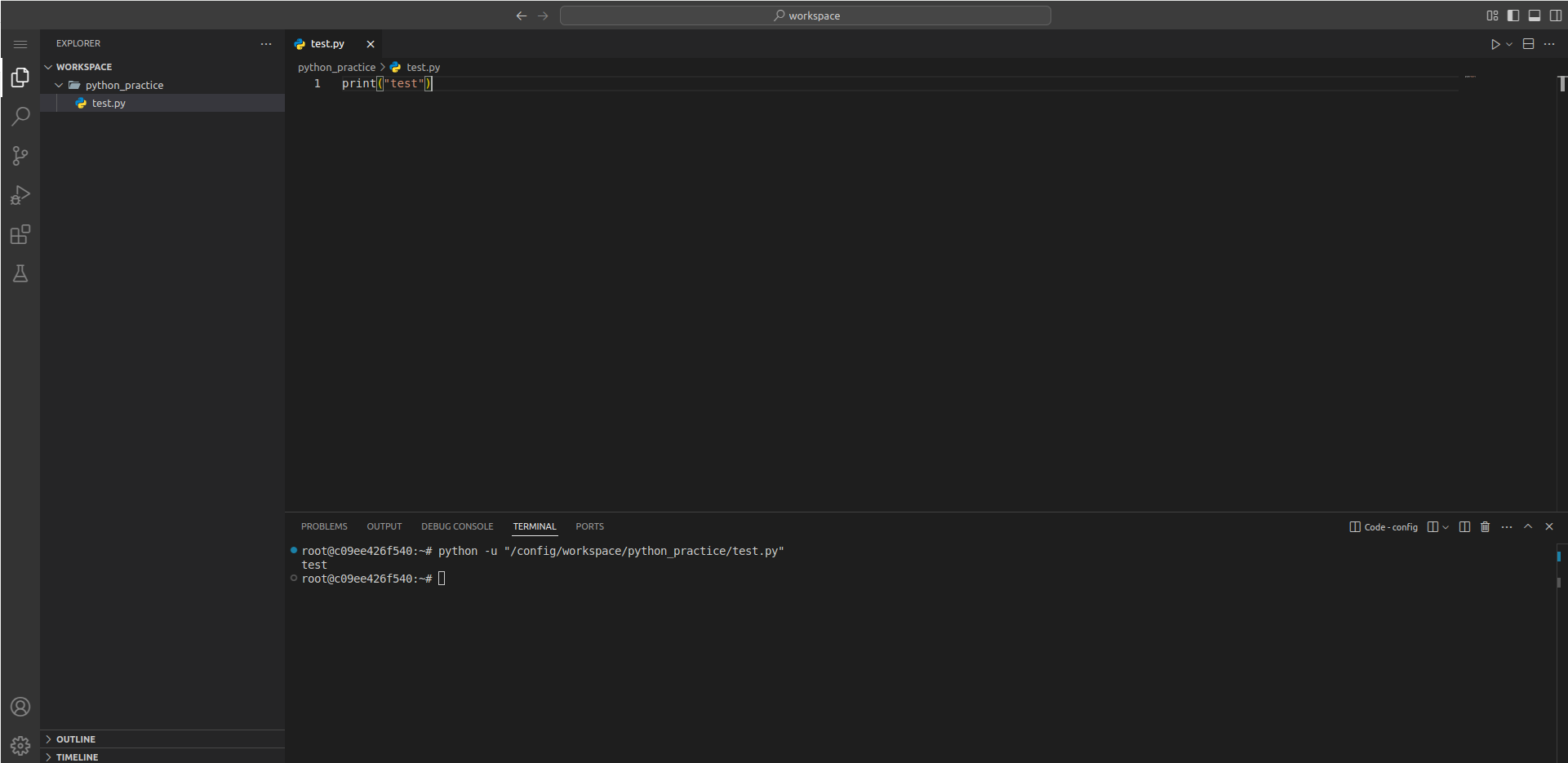
web ide로 사용 할수있는 code-server를 TLS/SSL적용하여 배포하는 방법을 소개 합니다.
약간의 설정방법을 변형하여 HAProxy를 맨 앞에 놓고 nginx와 code-server를 docker container를 이용하여 구성합니다.
본 문서는 개인 테스트 환경 설정을 위하여 작성되었습니다.
HAProxy
haproxy는 tcp모드를 이용하여 https로들어오는 트래픽을 통과 실킬 겁니다.
http모드로 동작시키면서 443으로 접속하려면 ssl 인증서를 HAProxy에 직접 설정해줘야 해독을 할수 있어서 tcp모드로 동작시킵니다.
frontend myfrontend
    # Set the proxy mode to http (layer 7) or tcp (layer 4)
    mode tcp

    # Receive HTTP traffic on all IP addresses assigned to the server at port 80
    bind :80
    bind :443

    # HTTP -> HTTPS 리디렉션 처리
    acl is_http req.ssl_ver  eq 0
    http-request redirect scheme https code 301 if is_http

    # Choose the default pool of backend servers
    default_backend web_servers

backend web_servers
    mode tcp
    balance roundrobin
    server s1 192.168.0.101:443 check
Code-Server 배포
nginx.conf
server {
    listen 443 ssl;
    server_name code.icurfer.test;

    ssl_certificate /etc/nginx/certs/fullchain.pem;
    ssl_certificate_key /etc/nginx/certs/icurfer.test.key;

    location / {
        proxy_pass http://code-server:8443;
        proxy_set_header Host $host;
        proxy_set_header X-Real-IP $remote_addr;
        proxy_set_header X-Forwarded-For $proxy_add_x_forwarded_for;
        proxy_set_header X-Forwarded-Proto https;
        proxy_set_header Upgrade $http_upgrade;
        proxy_set_header Connection "Upgrade";
    }
}
docker-compose
version: "3"

services:
  code-server:
    image: lscr.io/linuxserver/code-server
    container_name: code-server
    environment:
      - PUID=1000 # Change to 0 to run with root privileges
      - PGID=1000 # Change to 0 to run with root privileges
      - TZ=Etc/UTC
      - PASSWORD={password} #optional
      - SUDO_PASSWORD={password}
      - PROXY_DOMAIN=code.icurfer.test #optional
      - DEFAULT_WORKSPACE=/config/workspace #optional
    restart: always
    volumes:
      - /root/code_server:/config
    expose:
      - "8443"
    networks:
      - proxy

# https://docs.linuxserver.io/images/docker-code-server/#usage

  nginx:
    image: nginx:latest
    container_name: nginx
    restart: always
    ports:
      - "443:443"
    volumes:
      - /root/code_server/nginx.conf:/etc/nginx/conf.d/default.conf  # Nginx 설정 파일 개별 마운트
      - /root/certs:/etc/nginx/certs
    networks:
      - proxy

networks:
  proxy:
Python 개발환경 구성
code-server만 단독 구성시 python이 없습니다.
python3 설치
편의를 위하여 code-server를 root권한으로 동작 후 진행합니다.
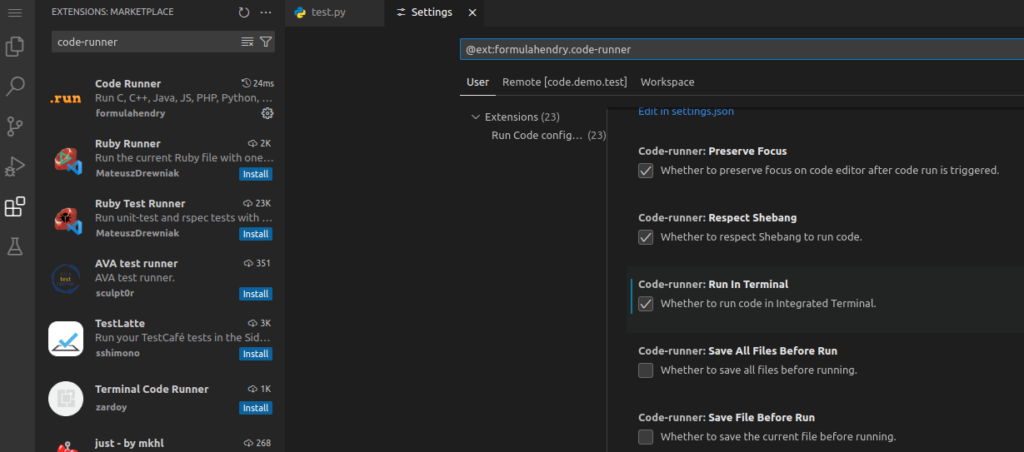
apt update && apt install python3 -yln -s /usr/bin/python3 /usr/bin/pythoncode-runner확장 툴을 설치하고 execution을 할때 터미널을 이용하도록 설정합니다.